

Does this change the website for everyone?
No. Your changes appear only in your browser. To use them on your own website, export the styles and add them to your project.
Fontzie is a Chrome extension for designers, developers and anyone who loves type. Pick text, try a font and see your changes on the page.
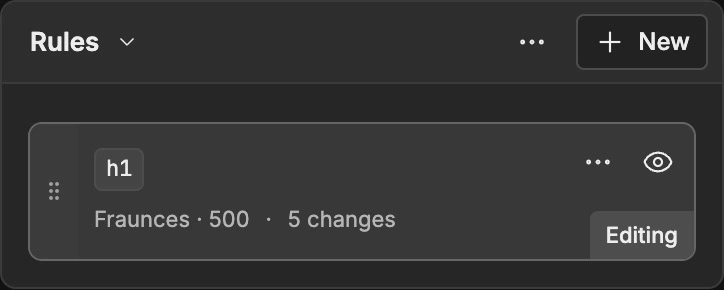
Rules
Keep your typography edits in separate rules. Give headings, paragraphs and links their own treatment, then reorder or switch rules off as you compare.
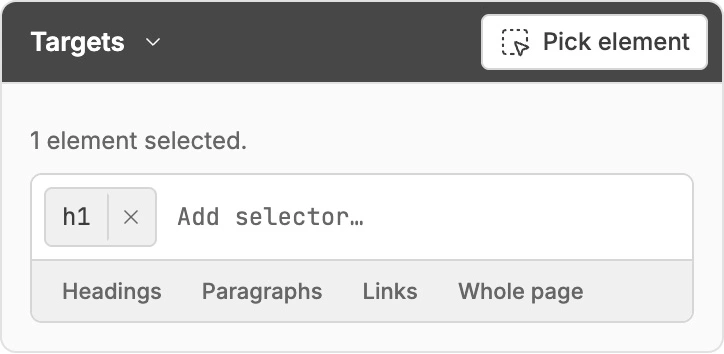
Targets
Pick text on the page or enter a CSS selector. Target a single element, all your headings or a whole page from the same field.
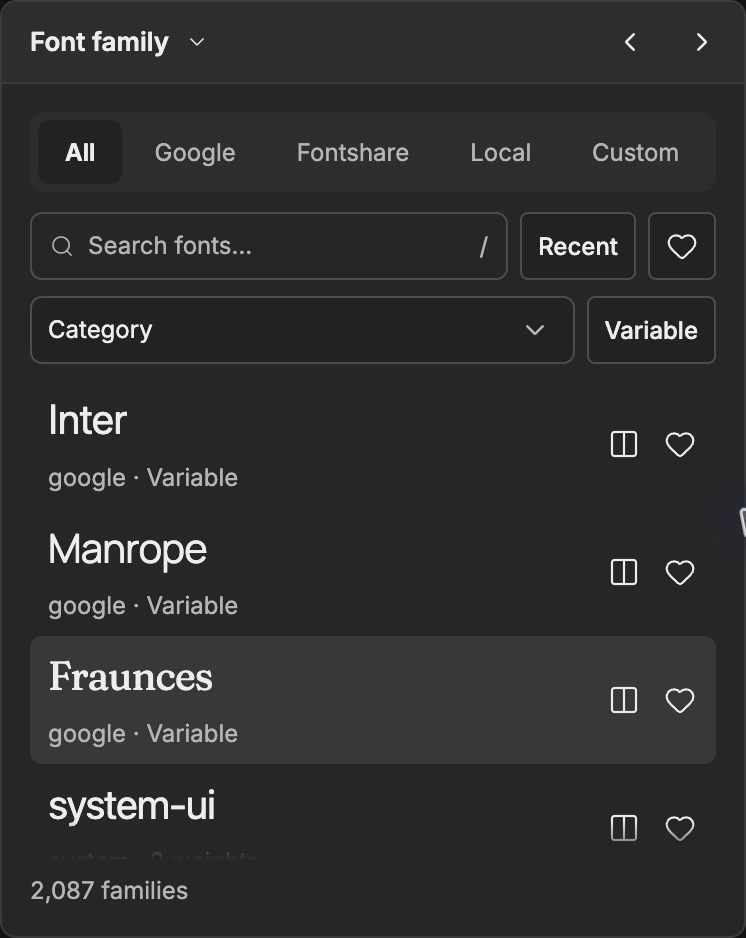
Font family
Explore Google Fonts and Fontshare, use fonts installed on your device or bring your own files. Search, filter and keep your favorites close.
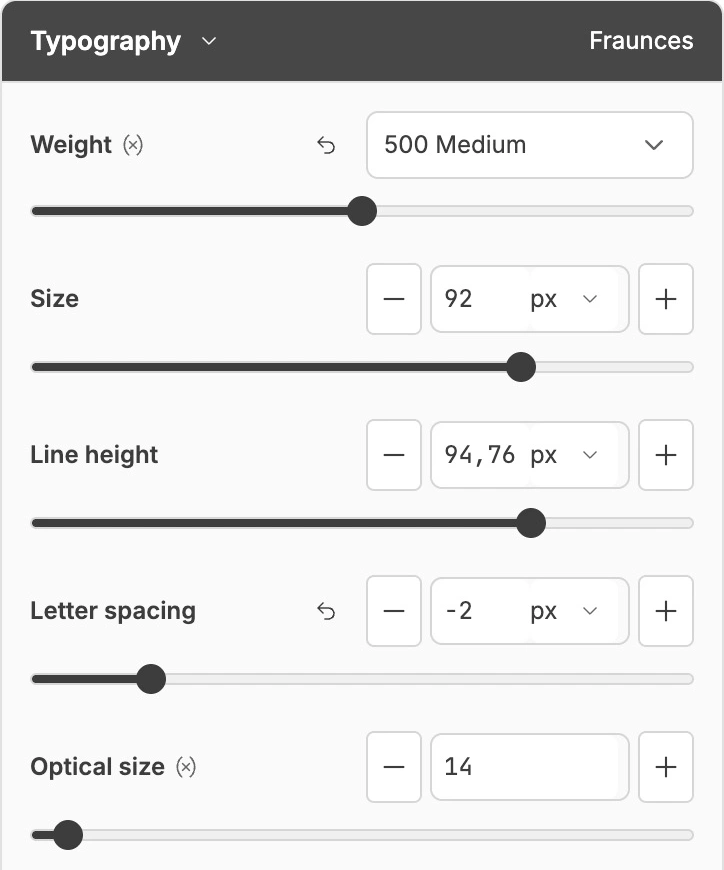
Typography
Adjust weight, size, line height and letter spacing. Use sliders for quick changes, type a precise value or reset an individual setting to its original.
Export
Save page edits and named presets. Export CSS or Tailwind v4 when you find a combination you want to keep.
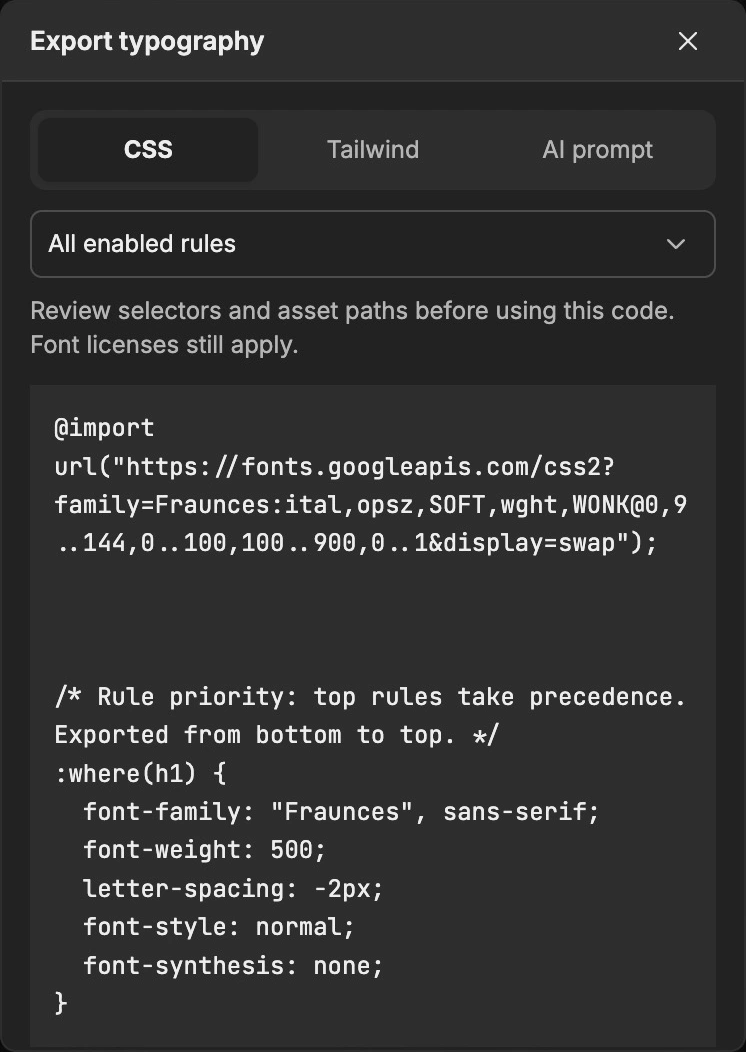
No. Your changes appear only in your browser. To use them on your own website, export the styles and add them to your project.
Yes. Use fonts installed on your device with Chrome’s permission, or upload WOFF2, WOFF, TTF or OTF files. Uploaded fonts stay on your device.
Use “Show original” to compare with the untouched page, then switch back. You can also undo changes, disable individual rules or clear edits for a page or an entire site.
Edits save automatically on this device and survive reloads and browser restarts. With ongoing site access, Fontzie restores them automatically. With temporary access, click the toolbar icon to reconnect. Save named presets to keep different combinations. Page edits, presets and custom fonts stay on this device, with no account or cloud synchronization.
Font downloads contact Google or Fontshare. They never include inspected page text or custom font files.
Supported websites need your permission. Chrome pages, the Web Store and browser PDF views are restricted. Click the toolbar icon for temporary access, or allow ongoing site access in Settings to restore saved edits automatically when you return. Embedded pages can need separate permission.